


-
Active Thumbnail
-
Active Thumbnail
-
Active Thumbnail
-
Active Thumbnail
-
Active Thumbnail
-
Active Thumbnail
-
Active Thumbnail
-
Active Thumbnail
Obby Creator
Classic Obby by Whirlpool Studio - 2019
More actions
Public
This obby is publicly accessible on Roblox.
by Whirlpool Studio  — 2019
— 2019Gameplay
Publishing & Other
Released
Latest Update
February 2026
Publisher
Whirlpool Studio
Maturity
Minimal - Ages 5+
Genre
Sub-genre
Classic Obby
AI Content
None/Unknown
Technical
Start Place ID
2913303231Universe ID
1053132402 External Links
This article is a stub.
This page is too short! You can help the Obby Wiki by expanding it (sign-in required).
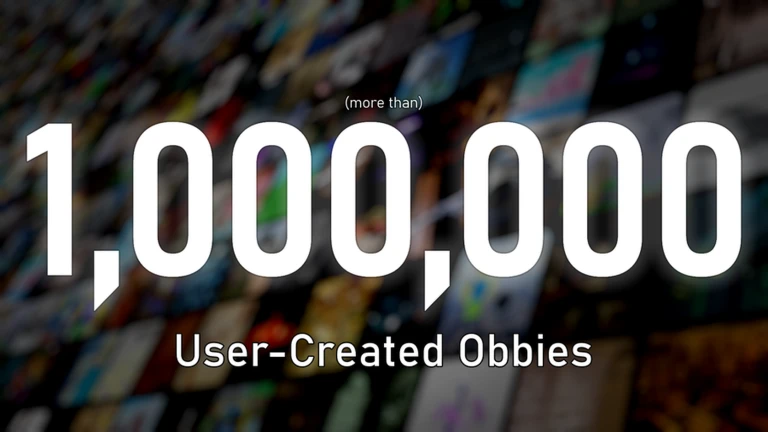
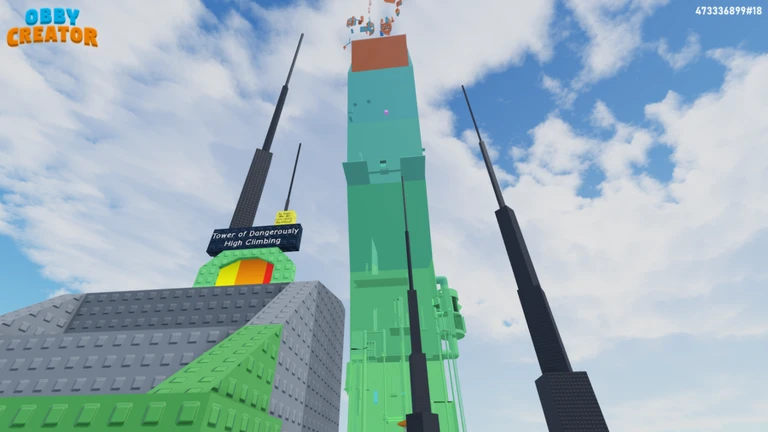
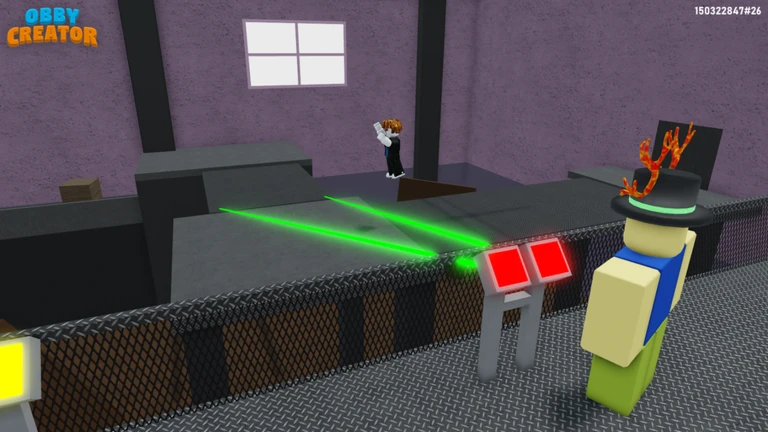
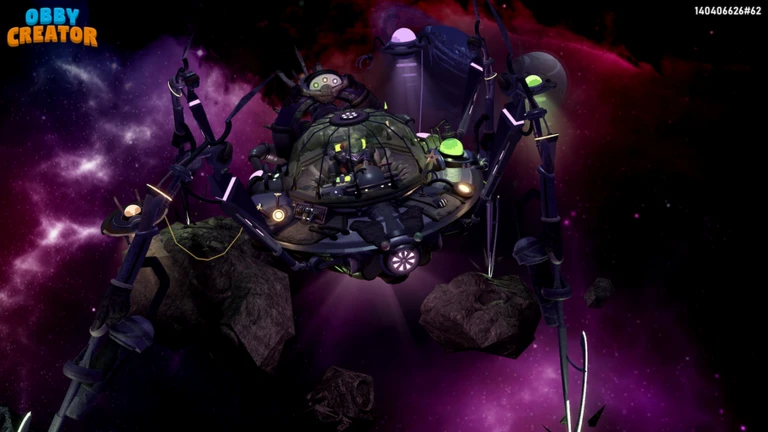
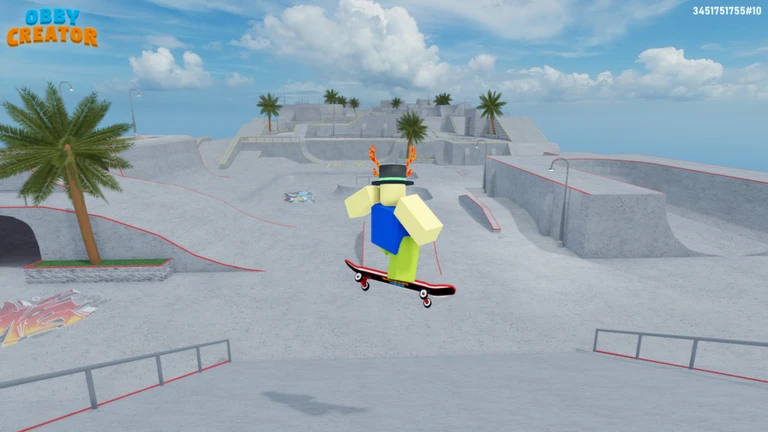
Obby Creator is a game which allows players to create their own obbies within Obby Creator itself with any device. The game was developed and released in 2019 by Whirlpool Studio and is their most successful project and their main focus. The game boasts an impressive amount of player-created obbies, with the total number being well over 100 million obbies.
Gameplay
In Obby Creator you can do two things: play other user's obbies, or make an obby yourself.
Playing someone else's obby
To play someone's obby in Obby Creator, load into the game and look to the bottom left. Find and press 'Load Obby' to see a large screen of all your obbies, obbies recommended to you, or an option to sort by sub-genres and trending obbies. Additionally, you can load a random obby, or one from your favorites, likes, or one you've recently played. You can load an obby every 20-120 seconds.
Play a friend's obby
In Obby Creator you can also load an obby made by a friend directly from the 'Load Obby' menu on the bottom left of the screen. From the Load Obby menu, next to the 'My Obbies' section, click 'See All'. This should bring up a page showing all of your obbies. Then, click the 'Friends' tab. This will allow you to view every one of your friends' public obbies respectively. Just click a friend from the page to view their profile and all their obbies. You can also view their friends and their obbies and so on.
Play a specific obby by code/ID
To play a specific obby via a designated obby code in Obby Creator, use the 'Load Obby' button on the bottom left to open the Load Obby menu. From this menu, observe the search bar at the top. Type the obby code or obby ID into the search bar and click it. This should load the obby in your slot and is playable by anyone else in the server.
If this doesn't work, try opening the menu again, typing it fully or pasting the code instead, and relaunching the game. It may take a few tries to load the obby, but don't spam the button. Alternatively, you can search the user who made it and load it from there.
Search for an obby
You can also search directly for an obby by its name in Obby Creator. At the bottom left of your screen, press the 'Load Obby' button. This should bring up the Load Obby menu. At the top of the menu, type the name of the obby you want to load and click it when it appears in the search results. This should open a modal showing the closest results to your query, but the button may require clicking multiple times or take a while to work.
Search for an obby creator
Additionally, you can search directly for an obby by its creator in Obby Creator. At the bottom left of your screen, press the 'Load Obby' button. This should bring up the Load Obby menu. At the top of the menu, type the name of the creator or their Roblox User ID in the search bar and hit enter or wait and click their name when they appear in the search results, if they exist.
Making your own obby
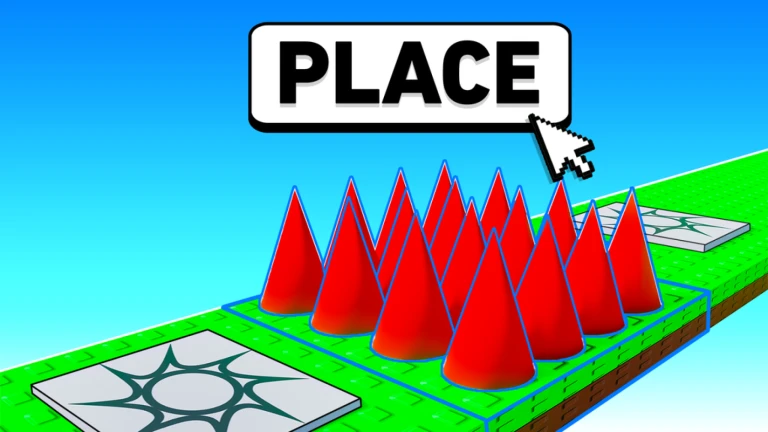
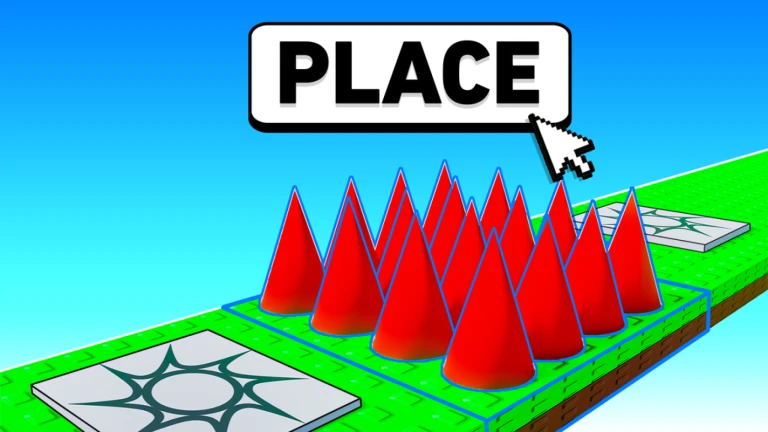
In Obby Creator, as the name suggests, players can make their own obbies and share them with their friends or the world. Most players will be able to join the game, walk up to a slot to claim, load their own obby and click 'Edit Mode' from the bottom left. You can only edit your obbies or obbies you have edit access to.
Trivia
- Since Obby Creator's release in 2019, there have been over 100,000,000 user-made obbies created within the game.
- Obby Creator serves as a way for players on Roblox who don't have access to Roblox Studio to still make obbies and share it with their friends, such as those on tablets, phones, or even consoles, that otherwise wouldn't be able to make an obby without Obby Creator.
- Players can donate to other creators' obbies, yielding potential (small) robux payouts to popular obby creators.
- The Quiz Part, an Advanced Part with-in the game that requires using chat messages to guess the correct answer, is currently broken for non-ID verified accounts, as per a sudden breaking-change made with little warning by Roblox.
- In January of 2026, Roblox's then new age verification update broke all text and text signs in Obby Creator. It was fixed on the 29th and announced on the Whirlpool Studio announcement tab. The announcement by founder @mario118118 said "Text Fixed: Sorry about that! It seems the age verification update broke the Text inside Obby Creator. This has now been fixed."
Development Team
Core Developers
Contributors
- @Evanbear1
- @Monophony - Composing
- @Zyleth - Graphics & UI Design
- @SoftGB - Graphics & UI Design
- @Ysko - Translations
- @Halru - Translations
- @Dronetto - Translations
- @MemeProduced - Translations
Media
Thumbnails


Icons



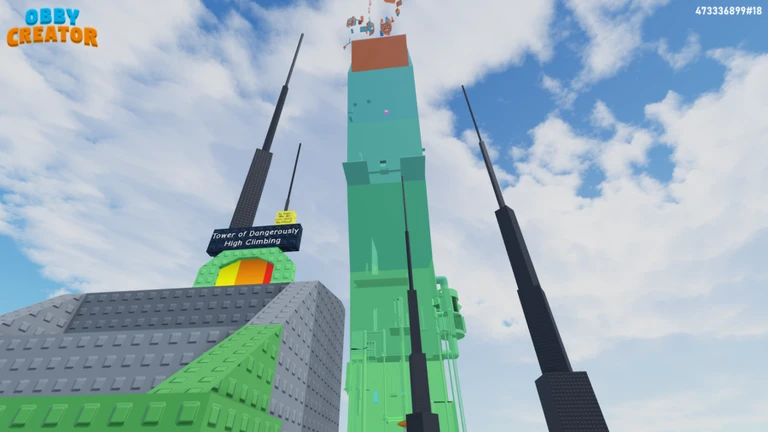
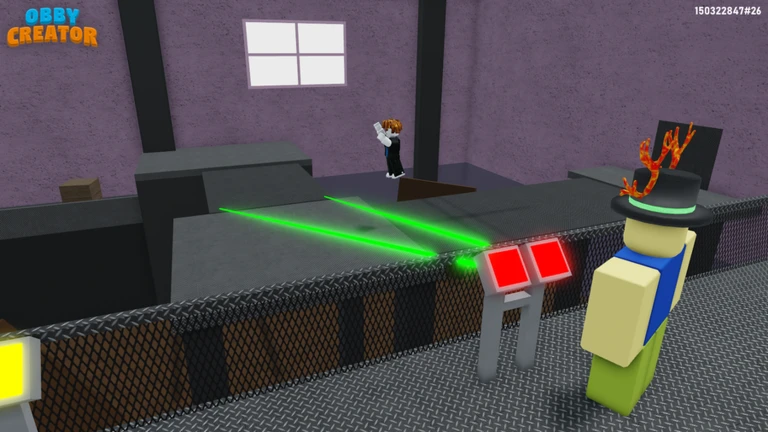
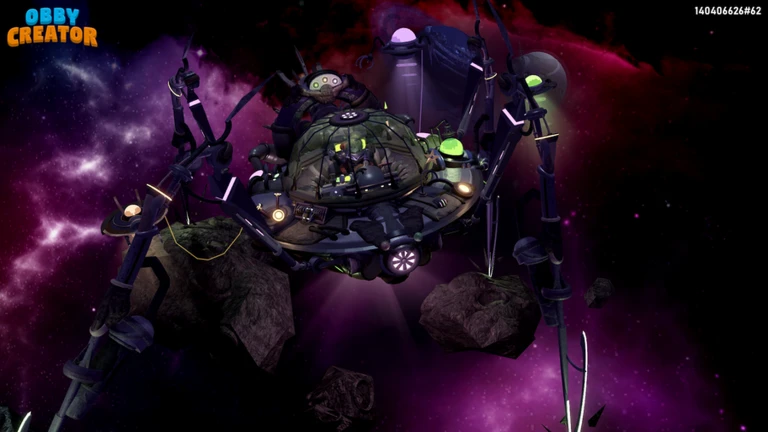
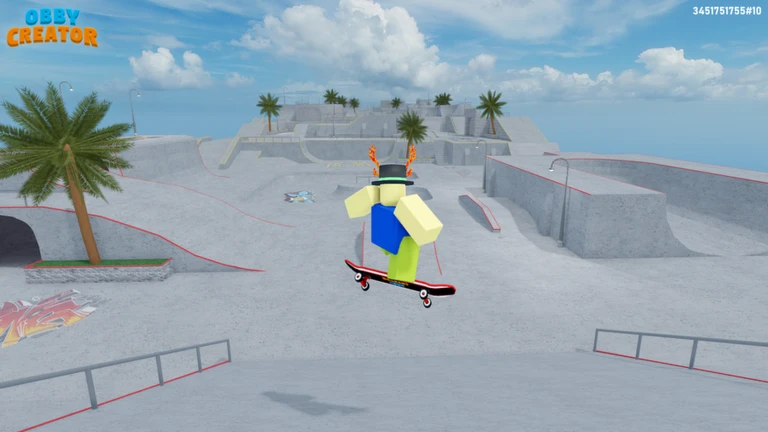
Trailers
Community Videos
None added yet.
FAQ
Who is the developer of Obby Creator?
Obby Creator was developed by Whirlpool Studio and was initially released on the Roblox platform in March of 2019 (approximately 7 years and 3 months ago).
How do I play Obby Creator on Roblox?
You can play Obby Creator for free on Roblox. The game is currently open to the public, meaning anyone with a Roblox account can join and start playing. Simply search for the game title on the Roblox website or mobile app to start playing. Alternatively, you can directly click to reach the Roblox page.
What type of obby subgenre is Obby Creator?
Obby Creator falls under the sub-genre of a Classic Obby. This category describes the specific gameplay style and mechanics you can expect when playing.
Does Obby Creator use R6 or R15 Roblox avatars?
Obby Creator is specifically designed for use with the classic R6 avatar rigs. R6 avatars are a staple in the obby community due to their consistent physics and predictable movement, making them ideal for steady and enjoyable gameplay in obbies. This is typically a standard for most obby developers.
When was Obby Creator released?
Obby Creator was first released in March of 2019, around 7 years and 3 months ago.
Where can I find more obbies created by Whirlpool Studio?
If you enjoy playing Obby Creator, you can find a full list of other games and projects by Whirlpool Studio on their dedicated wiki page: Whirlpool Studio. This is the best place to discover similar projects by them as well as more information and keep up with their latest releases.
Obbies also created by
Obbies also created by
Classic Obby
Monetization
Passes
| Icon | Name | Description | Price | Details | For Sale |
|---|---|---|---|---|---|
 | Advanced Tools | Allows you change the colour and material of the floor, give your obby music and change it's lighting from day time to night time. Lots of customization! You can access the controls within Properties > Global Properties! | 399 Robux | Created: 28 September 2019, 11:44 (UTC)7216729 - 789879527 | ✅ For Sale |
 | More Height | Increases your plot's height by 600 studs. | 449 Robux | Created: 5 October 2020, 15:52 (UTC)12089395 - 1102344310 | ✅ For Sale |
 | More Space | Increases your plot's size by 50 studs width, 200 studs height and 500 studs length. Stacks with the More Height gamepass. | 225 Robux | Created: 31 August 2019, 14:08 (UTC)7096547 - 704372533 | ✅ For Sale |
 | MORE PREMADES!! NOW!! | Create 110 more custom PreMades! WIth all PreMade passes combined, you can save 150 different PreMades. | 1400 Robux | Created: 1 March 2024, 16:29 (UTC)687091849 - 1766467407 | ✅ For Sale |
 | Underground Space | Unlock 25 studs of space beneath your obby! | 119 Robux | Created: 28 April 2022, 10:30 (UTC)42142957 - 1260469234 | ✅ For Sale |
 | Double Cash | Doubles the amount of cash you earn per minute and doubles your cash limit. | 500 Robux | Created: 28 March 2020, 15:17 (UTC)8675110 - 967538357 | ✅ For Sale |
 | VIP | Unlock the Very Important PreMades (VIP) section, which updates with new models every month! | 40 Robux | Created: 17 November 2024, 16:56 (UTC)970535817 - 2659609968 | ✅ For Sale |
 | [Plugin Reflect] | This Plugin makes it super easy to immediately reflect any number of Parts! Inspired by this Roblox Studio Plugin: https://www.roblox.com/library/217792838/Model-Reflect | 70 Robux | Created: 9 September 2022, 00:49 (UTC)82878296 - 1311782677 | ✅ For Sale |
 | [Plugin Archimedes] | This Plugin allows you to easily create curves and arcs with any number of selected parts! Inspired by this Roblox Studio Plugin: https://www.roblox.com/library/144938633/Archimedes | 70 Robux | Created: 4 November 2022, 14:06 (UTC)100403061 - 1333604145 | ✅ For Sale |
 | More Premades | Create 30 more custom PreMades! | 30 Robux | Created: 2 May 2021, 11:53 (UTC)17336018 - 1169105278 | ✅ For Sale |
Badges
| Icon | Name | Description | Statistics | Details | Active |
|---|---|---|---|---|---|
 | Played Obby Creator | Thanks for playing! :D | 75,562,663 (25.3% of) players have this badge 9,410 awarded in the last 24 hours | Created: 8 November 2019, 19:13 (UTC)2124492819 | ✅ Yes |
 | 1 Like | You received a like on one your obbies. Good job! | 11,208,580 (3.9% of) players have this badge 1,469 awarded in the last 24 hours | Created: 30 September 2019, 20:05 (UTC)2124487890 | ✅ Yes |
 | 10 Likes | You created an obby which people appreciate. | 983,219 (<1% of) players have this badge 138 awarded in the last 24 hours | Created: 30 September 2019, 20:44 (UTC)2124487895 | ✅ Yes |
 | 25 Likes | You created an obby which gets people's attention. | 416,490 (<1% of) players have this badge 71 awarded in the last 24 hours | Created: 30 September 2019, 20:45 (UTC)2124487896 | ✅ Yes |
 | 50 Likes | Your obby is becoming popular! Good job. | 200,852 (<1% of) players have this badge 32 awarded in the last 24 hours | Created: 30 September 2019, 20:45 (UTC)2124487897 | ✅ Yes |
 | 75 Likes | You've created an obby that people have fun playing! | 122,930 (<1% of) players have this badge 18 awarded in the last 24 hours | Created: 30 September 2019, 20:46 (UTC)2124487898 | ✅ Yes |
 | 100 Likes | Triple digits! You've created a semi-popular obby that over 100 people say they enjoy. | 85,713 (<1% of) players have this badge 18 awarded in the last 24 hours | Created: 30 September 2019, 20:47 (UTC)2124487899 | ✅ Yes |
 | 150 Likes | Your obby is getting a lot of attention! | 47,654 (<1% of) players have this badge 9 awarded in the last 24 hours | Created: 30 September 2019, 20:47 (UTC)2124487900 | ✅ Yes |
 | 200 Likes | You must have created quite a good obby, because over 200 people have liked it! | 31,709 (<1% of) players have this badge 9 awarded in the last 24 hours | Created: 30 September 2019, 20:48 (UTC)2124487901 | ✅ Yes |
 | 300 Likes | Your obby is loved by many! | 18,764 (<1% of) players have this badge 3 awarded in the last 24 hours | Created: 30 September 2019, 20:48 (UTC)2124487902 | ✅ Yes |
 | 500 Likes | Your obby is becoming popular now! Over 500 people have liked it. | 11,513 (<1% of) players have this badge 4 awarded in the last 24 hours | Created: 30 September 2019, 20:49 (UTC)2124487903 | ✅ Yes |
 | 750 Likes | Almost at 1000, only 250 to go! | 9,193 (<1% of) players have this badge 0 awarded in the last 24 hours | Created: 30 September 2019, 20:50 (UTC)2124487904 | ✅ Yes |
 | 1000 Likes | Your obby is officially a very popular obby. Over 1000 people have liked it! | 7,709 (<1% of) players have this badge 1 awarded in the last 24 hours | Created: 30 September 2019, 20:51 (UTC)2124487905 | ✅ Yes |
 | 1500 Likes | You reached 1500 likes on an obby! | 4,997 (<1% of) players have this badge 2 awarded in the last 24 hours | Created: 7 February 2020, 22:09 (UTC)2124508584 | ✅ Yes |
 | 2000 Likes | You reached 2000 likes on an obby! | 3,573 (<1% of) players have this badge 2 awarded in the last 24 hours | Created: 7 February 2020, 22:09 (UTC)2124508585 | ✅ Yes |
 | 2500 Likes | You reached 2500 likes on an obby! | 2,741 (<1% of) players have this badge 1 awarded in the last 24 hours | Created: 7 February 2020, 22:09 (UTC)2124508586 | ✅ Yes |
 | 3000 Likes | You reached 3000 likes on an obby! | 2,296 (<1% of) players have this badge 0 awarded in the last 24 hours | Created: 7 February 2020, 22:09 (UTC)2124508587 | ✅ Yes |
 | 3500 Likes | You reached 3500 likes on an obby! | 2,032 (<1% of) players have this badge 0 awarded in the last 24 hours | Created: 7 February 2020, 22:10 (UTC)2124508589 | ✅ Yes |
 | 4000 Likes | You reached 4000 likes on an obby! | 1,886 (<1% of) players have this badge 0 awarded in the last 24 hours | Created: 7 February 2020, 22:10 (UTC)2124508590 | ✅ Yes |
 | 5000 Likes | You reached 5000 likes on an obby! | 1,678 (<1% of) players have this badge 0 awarded in the last 24 hours | Created: 28 March 2020, 14:54 (UTC)2124519721 | ✅ Yes |
 | 7500 Likes | You reached 7500 likes on an obby! | 1,275 (<1% of) players have this badge 0 awarded in the last 24 hours | Created: 28 March 2020, 14:54 (UTC)2124519722 | ✅ Yes |
 | 10K Likes | You reached 10,000 likes on an obby! Nice one. | 1,046 (<1% of) players have this badge 0 awarded in the last 24 hours | Created: 28 March 2020, 14:55 (UTC)2124519723 | ✅ Yes |
 | 15K Likes | You reached 15,000 likes on an obby! | 839 (<1% of) players have this badge 0 awarded in the last 24 hours | Created: 30 March 2020, 10:20 (UTC)2124520297 | ✅ Yes |
 | 5 Players | Have 5 people on Obby Creator playing your obby! | 724,018 (<1% of) players have this badge 302 awarded in the last 24 hours | Created: 28 May 2020, 16:53 (UTC)2124542754 | ✅ Yes |
 | 10 Players | Have 10 people on Obby Creator playing your obby! | 10,369 (<1% of) players have this badge 12 awarded in the last 24 hours | Created: 28 May 2020, 16:53 (UTC)2124542755 | ✅ Yes |
 | 15 Players | Have 15 people on Obby Creator playing your obby! | 913 (<1% of) players have this badge 2 awarded in the last 24 hours | Created: 28 May 2020, 16:53 (UTC)2124542756 | ✅ Yes |
 | 20 Players | Have 20 people on Obby Creator playing your obby! | 197 (<1% of) players have this badge 0 awarded in the last 24 hours | Created: 28 May 2020, 16:53 (UTC)2124542757 | ✅ Yes |
 | 25 Players | Have 25 people on Obby Creator playing your obby! | 56 (<1% of) players have this badge 0 awarded in the last 24 hours | Created: 28 May 2020, 16:53 (UTC)2124542758 | ✅ Yes |
 | 30 Players | Have 30 people on Obby Creator playing your obby! | 30 (<1% of) players have this badge 0 awarded in the last 24 hours | Created: 28 May 2020, 16:53 (UTC)2124542759 | ✅ Yes |
 | 35 Players | Have 35 people on Obby Creator playing your obby! | 19 (<1% of) players have this badge 0 awarded in the last 24 hours | Created: 28 May 2020, 16:54 (UTC)2124542760 | ✅ Yes |
 | 40 Players | Have 40 people on Obby Creator playing your obby! | 11 (<1% of) players have this badge 0 awarded in the last 24 hours | Created: 28 May 2020, 16:55 (UTC)2124542761 | ✅ Yes |
 | Completed the Egg Hunt 2021! | Congrats! You found all the eggs in Obby Creator's Egg Hunt 2021. | 9,751 (<1% of) players have this badge 0 awarded in the last 24 hours | Created: 31 March 2021, 09:41 (UTC)2124713359 | ✅ Yes |
 | Completed the Egg Hunt 2022! | You completed Obby Creator's 2022 Egg Hunt and found all 15 eggs. | 7,895 (<1% of) players have this badge 0 awarded in the last 24 hours | Created: 13 April 2022, 11:01 (UTC)2125917204 | ✅ Yes |
 | Completed the Egg Hunt 2024! | You completed Obby Creator's 2024 Egg Hunt and found all 25 eggs. | 24,708 (<1% of) players have this badge 0 awarded in the last 24 hours | Created: 2 April 2024, 17:31 (UTC)2604425686715460 | ✅ Yes |
 | MEGA Maro Egg | You found this egg in the 2025 Obby Creator Egg Hunt! | 80,095 (<1% of) players have this badge 0 awarded in the last 24 hours | Created: 19 April 2025, 20:15 (UTC)1283350534581630 | ✅ Yes |
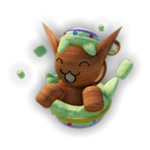 | Guh Egg | You found this egg in the 2025 Obby Creator Egg Hunt! | 115,550 (<1% of) players have this badge 0 awarded in the last 24 hours | Created: 19 April 2025, 20:18 (UTC)4028995067469399 | ✅ Yes |
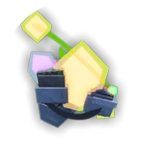 | Magical Egg | You found this egg in the 2025 Obby Creator Egg Hunt! | 52,291 (<1% of) players have this badge 0 awarded in the last 24 hours | Created: 19 April 2025, 20:19 (UTC)1671411963921139 | ✅ Yes |
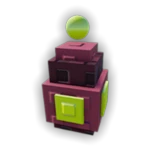 | KilloEgg | You found this egg in the 2025 Obby Creator Egg Hunt! | 67,855 (<1% of) players have this badge 0 awarded in the last 24 hours | Created: 19 April 2025, 20:19 (UTC)1098843423137117 | ✅ Yes |
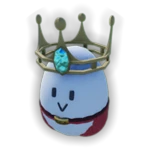 | Champion Egg | You found this egg in the 2025 Obby Creator Egg Hunt! | 59,412 (<1% of) players have this badge 0 awarded in the last 24 hours | Created: 19 April 2025, 20:15 (UTC)1816021542985287 | ✅ Yes |
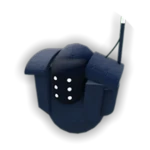 | Eggmover | You found this egg in the 2025 Obby Creator Egg Hunt! | 57,736 (<1% of) players have this badge 0 awarded in the last 24 hours | Created: 19 April 2025, 20:17 (UTC)3874407122789812 | ✅ Yes |
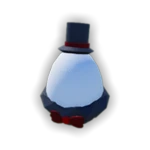 | Gentlegg | You found this egg in the 2025 Obby Creator Egg Hunt! | 48,945 (<1% of) players have this badge 0 awarded in the last 24 hours | Created: 19 April 2025, 20:18 (UTC)4052977252977436 | ✅ Yes |
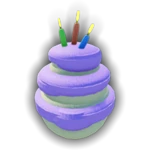 | Cakegg | You found this egg in the 2025 Obby Creator Egg Hunt! | 36,898 (<1% of) players have this badge 0 awarded in the last 24 hours | Created: 19 April 2025, 20:15 (UTC)169632169608932 | ✅ Yes |
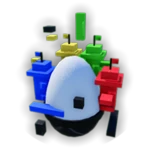 | Egg-Spire | You found this egg in the 2025 Obby Creator Egg Hunt! | 26,176 (<1% of) players have this badge 0 awarded in the last 24 hours | Created: 19 April 2025, 20:17 (UTC)3210001129954169 | ✅ Yes |
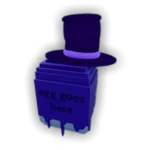 | Egg Goes Here | You found this egg in the 2025 Obby Creator Egg Hunt! | 29,459 (<1% of) players have this badge 0 awarded in the last 24 hours | Created: 19 April 2025, 20:16 (UTC)410825295639866 | ✅ Yes |
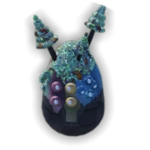 | Mothermush Egg | You found this egg in the 2025 Obby Creator Egg Hunt! | 27,251 (<1% of) players have this badge 0 awarded in the last 24 hours | Created: 19 April 2025, 20:19 (UTC)56587743544533 | ✅ Yes |
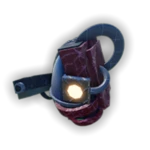 | Killer Egg | You found this egg in the 2025 Obby Creator Egg Hunt! | 25,919 (<1% of) players have this badge 0 awarded in the last 24 hours | Created: 19 April 2025, 20:19 (UTC)2108871965828423 | ✅ Yes |
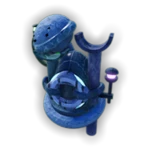 | Sunken Egg | You found this egg in the 2025 Obby Creator Egg Hunt! | 25,468 (<1% of) players have this badge 0 awarded in the last 24 hours | Created: 19 April 2025, 20:19 (UTC)4064854965588311 | ✅ Yes |
 | Farlands Egg | You found this egg in the 2025 Obby Creator Egg Hunt! | 21,792 (<1% of) players have this badge 0 awarded in the last 24 hours | Created: 19 April 2025, 20:17 (UTC)4097238566039768 | ✅ Yes |
 | Egg of the Necroflier | You found this egg in the 2025 Obby Creator Egg Hunt! | 22,919 (<1% of) players have this badge 0 awarded in the last 24 hours | Created: 19 April 2025, 20:16 (UTC)309762994328326 | ✅ Yes |
 | Egg of Lost Time | You found this egg in the 2025 Obby Creator Egg Hunt! | 16,974 (<1% of) players have this badge 0 awarded in the last 24 hours | Created: 19 April 2025, 20:16 (UTC)1250843241295900 | ✅ Yes |
 | Egg of Calamity | You found this egg in the 2025 Obby Creator Egg Hunt! | 18,241 (<1% of) players have this badge 0 awarded in the last 24 hours | Created: 19 April 2025, 20:16 (UTC)2715455832935901 | ✅ Yes |
 | Treasuregg | You found this egg in the 2025 Obby Creator Egg Hunt! | 17,051 (<1% of) players have this badge 0 awarded in the last 24 hours | Created: 19 April 2025, 20:20 (UTC)1249318092951331 | ✅ Yes |
 | The Fabergé of Useful Libraries | You found this egg in the 2025 Obby Creator Egg Hunt! | 15,461 (<1% of) players have this badge 0 awarded in the last 24 hours | Created: 19 April 2025, 20:20 (UTC)2678086007370004 | ✅ Yes |
 | Forsaken Egg | You found this egg in the 2025 Obby Creator Egg Hunt! | 15,626 (<1% of) players have this badge 0 awarded in the last 24 hours | Created: 19 April 2025, 20:18 (UTC)3697327928586817 | ✅ Yes |
 | Completed the Egg Hunt 2025! | Congrats! You found all the eggs in Obby Creator's Egg Hunt 2025. | 12,495 (<1% of) players have this badge 0 awarded in the last 24 hours | Created: 15 April 2025, 08:46 (UTC)1519316529532512 | ✅ Yes |
References
- ↑ 1.0 1.1 The Obby Wiki automatically sources live statistics directly from Roblox's database. See Obby Creator on Roblox for more information. Statistics last retrieved at: 2026-06-03T13:39:34.708Z UTC.
Obbies also created by
Obbies also created by
Classic Obby